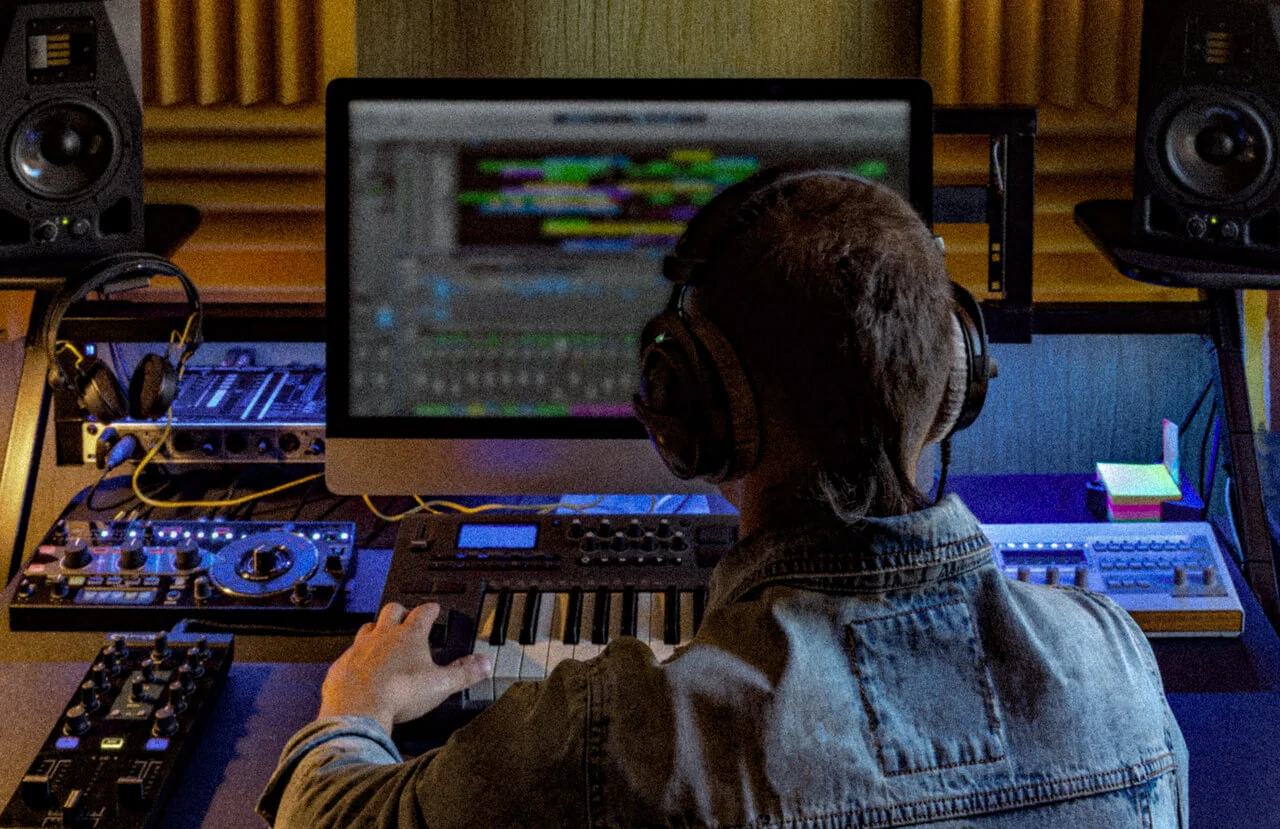
How to prepare your music for 360 Reality Audio and Dolby Atmos
Spatial audio gives your music an edge, and artists who choose to prepare their work in this format can create special appeal by providing their listeners with professional 3D sound.
But preparing your music for release in spatial formats requires more than just panning—it involves technical planning, creative intent, and precise delivery.
This guide outlines the steps for producing and delivering high-quality immersive mixes in both 360 Reality Audio and Dolby Atmos.
Key takeaways
- Spatial mixes use a combination of beds (static channels) and objects (movable audio sources) to create an immersive experience.
- Session preparation is crucial, including session cleanup, track grouping, and stem mastering. Prep can save significant time later.
- Mixing spatial audio is all about carefully choosing where and how sounds move around, checking your mix on different headphones, and thoughtfully positioning sounds vertically and by frequency.
- Export formats differ between 360 Reality Audio and Dolby Atmos; knowing these technical details is essential to avoid distribution issues.
Table of contents
Understanding the basics of spatial audio: beds and objects
Immersive audio represents a whole new world of 3D sound. This means that indie artists hoping to carve their place in the immersive landscape may need to learn a few new terms, to be sure they truly understand what immersive audio is all about.
For this article, let’s focus on beds and objects. Both 360 Reality Audio and Dolby Atmos rely on a combination of beds and objects to build immersive mixes.
What is a “bed” in the context of spatial audio?
A static audio bed is a fixed multichannel mix (often 7.1.2 in Dolby) that forms the base of your spatial field. This channel-based audio mix provides the foundational, static elements of a soundscape. ****Sounds in the bed are “pre-mixed” to specific speaker positions. They don’t have individual, dynamic positional metadata that allows them to be placed anywhere in 3D space. Instead, they are rendered according to the fixed channel layout. The bed typically includes drums, bass, or pads.
The concept of a “bed” is specific to Dolby Atmos and does not apply to 360 Reality Audio, which uses a fully object-based mixing model
What is an “object” in the context of spatial audio?
An audio object is an independently positioned sound source. Objects are typically used for foreground elements or sounds that need precise, dynamic placement, such as a specific vocal, or instrument. These are rendered dynamically and can be moved throughout the listening space using 3D automation.
In 360 Reality Audio, the entire mix is composed of objects, there are no beds or fixed channels. In Dolby Atmos, objects are layered on top of a static bed to enhance immersion and movement
Can I use “beds” and “objects” together in a spatial audio mix?
Yes, but only in Dolby Atmos. Atmos is a hybrid spatial audio format that combines static beds with dynamic objects to create immersive audio environments.
In contrast, 360 Reality Audio does not support beds. Every element in a 360RA mix is treated as a discrete object with its own spatial coordinates. This gives creators full freedom over positioning but requires a thoughtful spatial design strategy to maintain clarity and balance.
Why use a “bed” and “objects” together?
The combination of a “bed” and “objects” offers a powerful and flexible approach to spatial audio. When building a mix, reserve objects for instruments or vocals that benefit from movement and space. Use beds for elements that should stay centered and consistent.
The bed provides a stable foundation, while objects allow for highly dynamic and precise placement of key elements. Artists can achieve greater creative control by using both elements appropriately.
How to prepare your session for spatial audio mixing
Indie artists are fully taking advantage of spatial audio now that both 360 Reality Audio and Dolby Atmos are supported by major streaming platforms. It’s an incredible opportunity to get professional-sounding mixes heard by audiences worldwide.
But the process of creating immersive mixes requires some thoughtful planning and execution.
Let’s start at the beginning: before mixing in an immersive format, your session needs to be organized and optimized. There are three steps to prepping your music for a spatial audio mix.
1. Declutter your session
A tidy file is easier to work with. Cleaning up your session should include removing unused tracks to reduce session clutter and streamline your workflow, merging fragmented audio clips into cohesive files, and ensuring proper gain structure across tracks to achieve a balanced, distortion-free starting point.
Cleaning your files will simplify mixing and improve system performance.
2. Group your tracks
Next, you need to group related elements. Organize similar audio components into logical groups, such as drums, vocals, or guitars. This makes it easier to put the spatialization of each element into place.
For example, you could route percussion elements into a single bus if they share similar spatial behavior. This will allow you cohesive control of spatial effects and movements for each element, and easily identify which elements will be treated as objects and which will be part of the bed. .
3. Pre-master individual stems
By pre-mastering individual stems, you can optimize loudness, clarity, and dynamic definition. With these parameters already defined, you are more likely to achieve consistent and professional results during immersive mixing.
It’s also a good idea to provide dry stems alongside separate processed reverbs and delays. With access to both dry, unaffected audio stems and processed stems, mixers have maximum flexibility in applying immersive spatial effects and enhancing the emotional impact of the audio.
7 tips for creating an unforgettable immersive audio mix
You’ve got a basic understanding of beds and objects, and you have prepped your session. Now it’s time to create your mix.
Creating a spatial audio mix demands that you embrace a whole new way of thinking that includes instrument placement, sound movement, and the overall immersive environment you want to create.
Crafting an immersive experience requires thoughtful planning and execution to be effective. Here are seven top tips from the experts, to help you create the best possible immersive sound mix as an independent artist.
1. Plan spatial automation: choose your moments strategically
When creating a spatial audio mix, you can’t just wing it. You need to identify strategic points in your mix where spatial movements would significantly enhance emotional and artistic expression.
We always recommend applying automation carefully, so that movements support rather than distract from the narrative of the track.
At this stage, you can also leverage advanced spatial plugins like Sound Particles and IRCAM Spat Revolution. These tools are designed to help you achieve realistic and immersive audio experiences and can make the difference between amateur and professional-sounding results.
2. Do binaural headphone checks using multiple models
Binaural headphone checks are listening tests performed specifically through headphones to evaluate how well a mix creates a realistic, three-dimensional auditory experience.
It’s important to regularly test your immersive mixes using different types and grades of headphones. When you validate mixes using different headphone models, ranging from high-end studio monitors to consumer-grade earbuds, you can listen to the results and make adjustments as needed. The goal is to be confident that your mix is delivering broad compatibility and a consistent listener experience.
More about binaural audio
Binaural audio replicates real-world hearing by accounting for how sound interacts with our head and ears, creating subtle interaural time and level differences (ITD and ILD) and frequency changes that our brain uses to localize sound in 3D space. While “dummy heads” with ear-canal microphones are used for binaural recordings, modern spatial audio mixes more commonly employ Head-Related Transfer Functions (HRTFs)—mathematical models of these sound interactions—to render multi-channel or object-based audio into a stereo signal that simulates a 3D effect when played through any headphones.
3. Implement vertical layering thoughtfully
In the context of spatial audio, vertical layering refers to the ability to position and move sounds along the vertical axis, giving the listener the perception that sounds are coming from above or below them, in addition to around them (left, right, front, back).
Utilize the vertical spatial dimension thoughtfully. Creatively position audio elements vertically to add dimension and depth, so that their position truly adds to listener engagement and immersion. In general, it’s preferable to position lead vocals and key melodic elements above ear level.
More about elevated elements in a spatial audio mix
Slightly elevated placement of these central elements helps it “float” above the rest of the mix, preventing it from being masked by instruments that are typically arranged at ear level or lower (like bass and drums). This gives this element more clarity and presence. An elevated vocal can also create a more direct and intimate connection with the listener; our brains are conditioned to associate a slightly elevated sound source with a focal point of attention and importance, and an elevated element creates a natural “center stage” feeling for the listener.
4. Static versus dynamic placement: choose wisely
Choosing which elements of your mix will be anchored in a stable position and which will be given dynamic treatment involves making artistic decisions about which sounds to prioritize for your listeners.
When you anchor foundational elements in fixed spatial positions, you are choosing to keep essential rhythm elements like bass and percussion stable. This provides a solid and predictable foundation (bed) for your mix.
When you reserve dynamic spatial movement for special effects, transitions, or emotional climaxes, you are able to selectively treat these elements (objects) for maximum impact. By applying spatial motion selectively, you can use it to heighten dramatic moments and transitions.
5. Micro-movements: be subtle
Nuanced spatial shifts can subtly influence listener perception and maximize emotional impact. While it can be tempting to go wild with the tools available, you have to keep in mind the simple goal of not overwhelming the listener. You’re better off incorporating subtle, gradual spatial movements to create an auditory experience that is memorable, but not oppressive or too complex.
6. Place your spatial effects wisely
In spatial audio mixing, you need to differentiate the spatial positioning of reverberation and delay effects from the dry, direct sound of your source elements.
Rather than simply blending these effects at the same perceived location as the original signal, strategically placing the “wet” (effected) portion of reverbs and delays above, behind, or around the listener allows for the creation of a rich, three-dimensional listening environment.
This also prevents the mix from sounding muddy or cluttered.
7. Position objects according to frequency
Effective frequency-based positioning involves placing heavy low-end frequencies around or below ear level, rather than placing them overhead. This will help you maintain a natural listening experience and prevent listener fatigue.
MusicTeam® can help you deliver your music project in spatial audio format
Choosing to prepare your music for 360 Reality Audio and Dolby Atmos is more than just a technicality—it is artistic decision that will reshape how listeners experience your work.
Whether you mix your work yourself or collaborate with an immersive audio engineer, taking control of this process is the first step in opening new creative and commercial doors.
By understanding the structure of immersive formats, choosing the right tools, and following the correct delivery specifications, you can create professional-sounding spatial releases that are compliant and ready for distribution.
MusicTeam® is an all-in-one music distribution platform that offers artists cutting-edge tools for music creation, registration, and distribution.
FAQ on preparing immersive audio mixes
1. Are there specific requirements for final delivery of 360 Reality Audio and Dolby Atmos projects?
Both 360 Reality Audio and Dolby Atmos have specific requirements for final delivery. Missteps here can delay your release or lead to rejection by a distributor. MusicTeam® provides professional music project delivery services to help independent artists get ahead, and we can help you verify whether your tracks are ready for distribution.
2. How can I export my mix in 360 Reality Audio?
Export your mix using the 360 WalkMix Creator plugin. The output will be four .m4a files (level 0, level 1, level 2, level 3) containing encoded spatial data.
3. How can I export my mix in Dolby Atmos?
Export using the Dolby Atmos Renderer to generate an ADM BWF (Broadcast Wave Format) file. This multichannel file includes all object movements and mix parameters, along with embedded metadata like ISRC, version name, and speaker layout.
4. Do I need to release my mix in stereo format alongside 360 Reality Audio and Dolby Atmos?
Yes. All streaming platforms require a stereo mix to be distributed alongside the spatial audio mix regardless if it’s a 360 Reality Audio and Dolby Atmos mix. For now, you cannot release your mix solely in spatial audio format.
5. How can I manage my mixes and prepare them for distribution?
In today’s complex music economy, most artists rely on a music catalog management service to keep track of their files and manage their music metadata, including unique music identifiers. It’s the most efficient and effective way to prepare your spatial audio mixes for distribution.